
Back Pain at Work: Ergonomics, Micro-Breaks, and Chiropractic Care in Omaha
Back pain at work is one of the most common reasons people visit us at Powers Chiropractic here in Omaha. A long day at the desk, a few hours on a laptop at the kitchen table, or repeated video calls can add up. The good news: with the right ergonomic setup and proactive chiropractic care, most office-related back pain is manageable and preventable.
In this article, I’ll explain why work posture matters, how small habits strain your spine, and the exact steps to create a pain-free workspace. You’ll also learn when it’s time to see a chiropractor and what red flags call for urgent medical evaluation.
What do we mean by “back pain at work”?
Back pain at work refers to discomfort, stiffness, or sharp pain felt during or after desk tasks, computer use, or meetings. It often stems from prolonged sitting, poor posture, or a workstation that doesn’t fit your body. Addressing alignment and ergonomics together is the fastest path to relief.
Table of Contents
- Why Work Ergonomics Matter for Your Spine
- The Simple Biomechanics of Sitting and Back Pain
- Common Desk Mistakes and Easy Fixes
- How Chiropractic Care from Powers Chiropractic Fits In
- Step-by-Step: Set Up a Pain-Free Omaha Office Workspace
- Movement Micro-Breaks That Protect Your Back
- When to See a Chiropractor in Omaha
- When to Seek Urgent Medical Care
- Myths and Facts About Office Back Pain
- Local Support: We’re Here for Omaha’s Workforce
Why Work Ergonomics Matter for Your Spine
Your spine is designed to move. Desk jobs ask it to stay still. Hours in one position concentrate pressure on the discs, joints, and supporting muscles. Over time, that stress can irritate joints, tighten hip flexors and hamstrings, and overload the small stabilizing muscles that protect your low back.
The right ergonomic setup spreads the workload across your body. It keeps your head balanced over your shoulders, your hips supported, and your feet grounded. That balance reduces strain while you work and helps your adjustments hold longer.
The Simple Biomechanics of Sitting and Back Pain
When you slouch, your head drifts forward. For every inch forward, your neck and back work much harder to hold it up. That pulls on muscles and compresses joints. Your low back rounds, your core switches off, and your discs take more load.
Good sitting posture stacks the head over the shoulders and the shoulders over the hips. A small lumbar curve supports the lower spine. Your core engages gently, and the chair shares the work. That alignment cuts down on microstrain that builds into pain.
Common Desk Mistakes and Easy Fixes
Small changes add up. Here are frequent office errors we see in Omaha—and what to do instead.
| Desk mistake | How it stresses your spine | Quick fix |
|---|---|---|
| Screen too low | Neck flexes forward; upper back rounds | Raise monitor so top third is at eye level |
| Chair too high or low | Hips tilt; lumbar curve collapses | Set chair so hips are level or slightly above knees |
| Reaching for keyboard | Shoulders elevate; mid-back tightens | Keep elbows by sides at around 90 degrees |
| Feet dangling | Pelvis tilts; hamstrings pull on low back | Plant feet flat; use a footrest if needed |
| Slouching into backrest | Core shuts off; discs take more pressure | Sit back with lumbar support and active core |
| Phone wedged to ear | Neck side-bends; shoulder hikes | Use a headset or speaker for calls |
| Laptop on lap | Neck flexed; wrists cocked | Use a riser plus external keyboard/mouse |
How Chiropractic Care from Powers Chiropractic Fits In
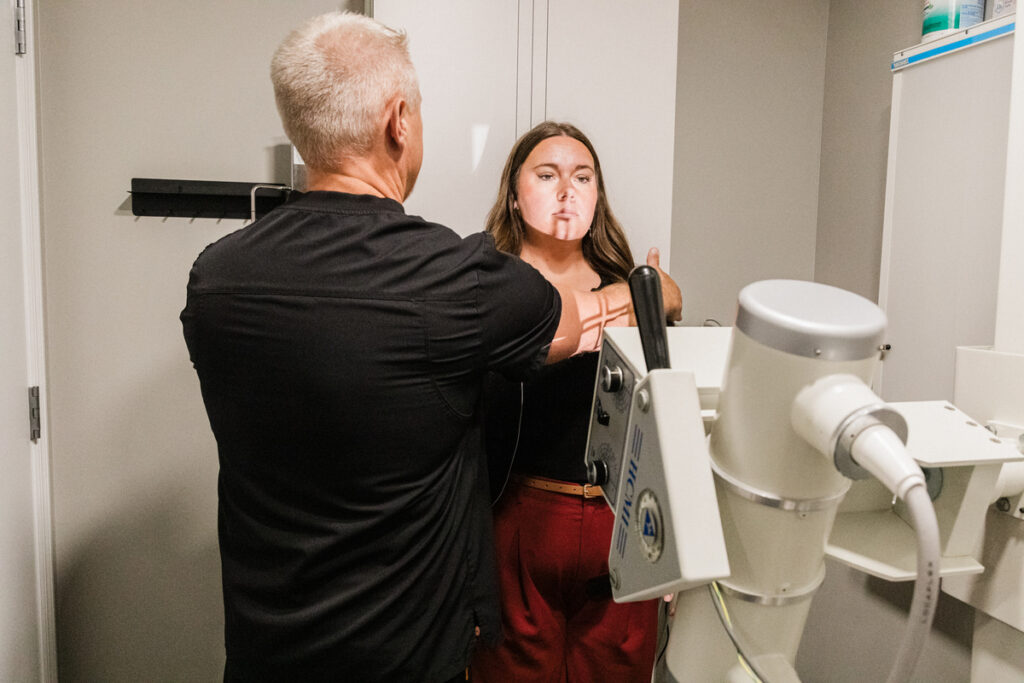
Ergonomics solves the “environment” side of the problem. Chiropractic addresses your body. At Powers Chiropractic, we start with a careful evaluation of your spine, posture, and movement. We identify where joints are restricted, where muscles are overworking, and how your nervous system is responding.
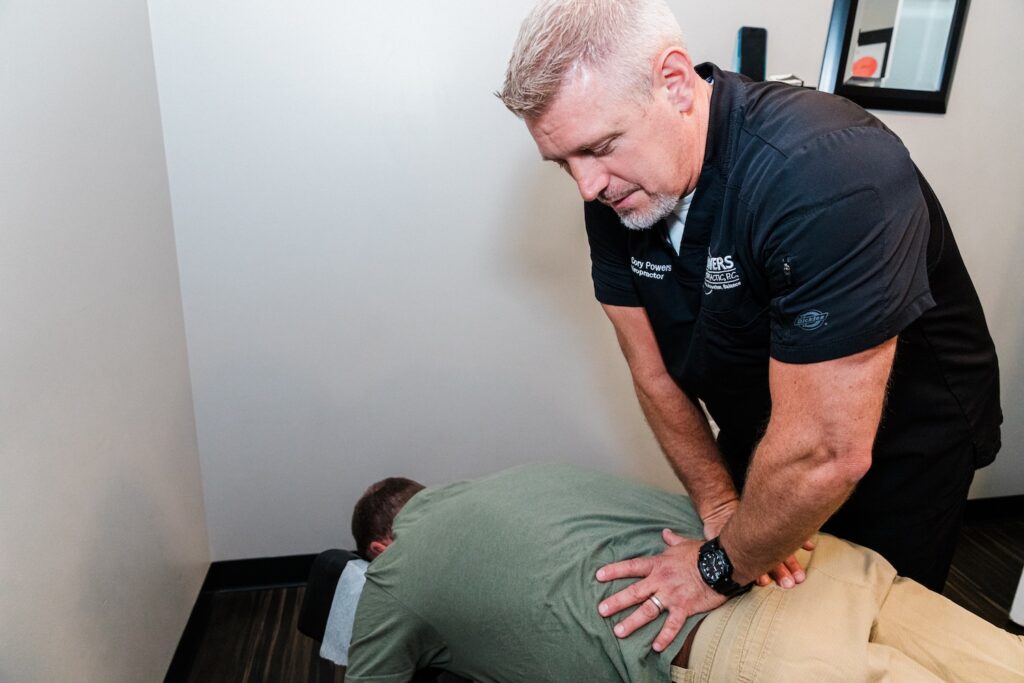
Chiropractic adjustments restore motion to stuck joints and improve alignment. That reduces irritation and helps your muscles coordinate again. We then pair your adjustments with targeted workstation coaching, so your daily habits support your results.
Research supports spinal manipulation as a first-line, nondrug option for many types of back pain. Major guidelines have recommended it among initial conservative approaches for low back pain, especially when paired with active self-care and education (see the American College of Physicians guideline summary: ACP; additional overview from NCCIH/NIH). We use those principles every day in our Omaha clinic.
Step-by-Step: Set Up a Pain-Free Omaha Office Workspace
- Chair and hips: Sit back fully with your hips level with or slightly above your knees. Maintain a gentle lumbar curve. If your chair lacks support, add a small cushion.
- Feet and legs: Place your feet flat on the floor. If the desk is high and your feet dangle, use a footrest or a sturdy box. Keep knees about hip-width apart.
- Desk height: Your elbows should rest by your sides at roughly 90 degrees. If your desk is too tall, raise your chair and add foot support.
- Keyboard and mouse: Keep them close so your shoulders don’t roll forward. Wrists should be straight, not bent up or down.
- Monitor position: Center the screen directly in front of you. The top third should be at eye level and about an arm’s length away. For dual screens, place your primary display front-and-center.
- Laptop setup: If you must use a laptop, elevate it to eye level and use an external keyboard and mouse. This one change protects your neck and upper back.
- Lighting and glare: Reduce screen glare and harsh overhead light. When you’re not squinting or craning, your neck stays neutral.
- Standing desk use: If you stand, keep the screen at eye level and elbows around 90 degrees. Shift weight gently and rest one foot on a small box at intervals to unload your back.
- Phone and headset: Use a headset or earbuds for calls. Avoid pinching the phone between ear and shoulder.
- Keep essentials close: Place your water, notes, and frequently used items within easy reach. Less reaching equals less strain.
Movement Micro-Breaks That Protect Your Back
Even the perfect setup can’t replace movement. Your discs are like sponges; they need regular pressure changes to stay nourished. Brief, consistent movement resets your posture and calms tight muscles.
Set a gentle timer to change positions every 25–30 minutes. Stand for several minutes. Roll your shoulders. Look far into the distance to relax your eyes and neck. Walk for a minute at least once each hour.
Think “position variety.” Sit, stand, and stroll through the day. Use meetings as chances to stand, or take phone calls while walking. These micro-breaks help chiropractic adjustments last longer.
When to See a Chiropractor in Omaha
If your back pain at work lingers beyond a week, keeps returning, or limits your focus and productivity, it’s time for a professional evaluation. Pain that improves on the weekend but flares every Monday is also a sign your workstation and spinal mechanics need attention.
At Powers Chiropractic, we assess your alignment, joint motion, and posture patterns. We map your pain triggers and check for signs of nerve irritation. Then we create a clear plan centered on chiropractic adjustments and practical desk strategies you can use that day.
Chiropractic is a frontline, non-invasive approach that helps many office workers get back to comfortable, productive days. Early care can prevent small issues from turning into bigger problems.
When to Seek Urgent Medical Care
Most work-related back pain is not an emergency. However, certain red flags require prompt medical attention.
- New loss of bowel or bladder control, or numbness in the saddle area
- Severe, unrelenting pain after a fall or accident
- Progressive leg weakness or numbness
- Fever, chills, or unexplained weight loss with back pain
- History of cancer, osteoporosis, or steroid use with sudden back pain
If any of these occur, seek urgent medical evaluation. We can coordinate care and help guide your next steps once you’re safe.
Myths and Facts About Office Back Pain
Myth: “If I buy an expensive chair, my pain will disappear.”
Fact: A good chair helps, but alignment and frequent movement matter more. Even great chairs can’t offset hours without breaks.
Myth: “Standing all day is better than sitting.”
Fact: Variety wins. Alternating between sitting, standing, and brief walking reduces load and keeps your muscles balanced.
Myth: “I just need to strengthen my core and I’ll be fine.”
Fact: Core strength helps, but joint restriction and poor workstation fit can still provoke pain. Address alignment, then build stability.
Myth: “Back pain at work is just part of the job.”
Fact: With proper chiropractic care and smart ergonomics, most people can work comfortably and stay active.
Local Support: We’re Here for Omaha’s Workforce
Here in Omaha, many of our patients balance busy workdays with family, commuting, and community life. We understand the reality of tight schedules and long meetings. Small, consistent steps can transform how your back feels by the end of the day.
If you’re unsure where to start, we can evaluate your spine and coach you through a personalized ergonomic plan. At Powers Chiropractic, our goal is simple: help you move comfortably and work with confidence.
Frequently Asked Questions
What is the best sitting posture for back pain at work?
Keep your head over your shoulders, shoulders over hips, and maintain a small lumbar curve. Feet flat, elbows at about 90 degrees, and the screen at eye level.
How often should I take breaks from sitting?
Aim to change position every 25–30 minutes. Stand, walk briefly each hour, and reset your posture when you return to your chair.
Are standing desks good for back pain?
They can help when used in rotation with sitting. Alternate through the day and keep your monitor and keyboard at the right height while standing.
Can chiropractic help desk-related back pain?
Many patients find relief when adjustments restore joint motion and alignment. Pairing chiropractic with ergonomic changes supports long-term results.
Do I need special equipment to fix my workstation?
Not always. Simple tweaks—raising your monitor, adding a small lumbar cushion, or using a footrest—often make a big difference.
TL;DR
- Chiropractic care plus smart ergonomics is a strong, frontline approach for back pain at work.
- Set your chair, monitor, keyboard, and feet to support neutral alignment and a gentle lumbar curve.
- Change positions every 25–30 minutes and include short standing and walking breaks.
- See a chiropractor if pain lingers, keeps returning, or limits your work; seek urgent medical care for red-flag symptoms.
- Small daily changes compound into lasting comfort and better focus.
This article is for general education and is not a substitute for an in-person evaluation. If you have questions about your specific situation, our team at Powers Chiropractic in Omaha is here to help.