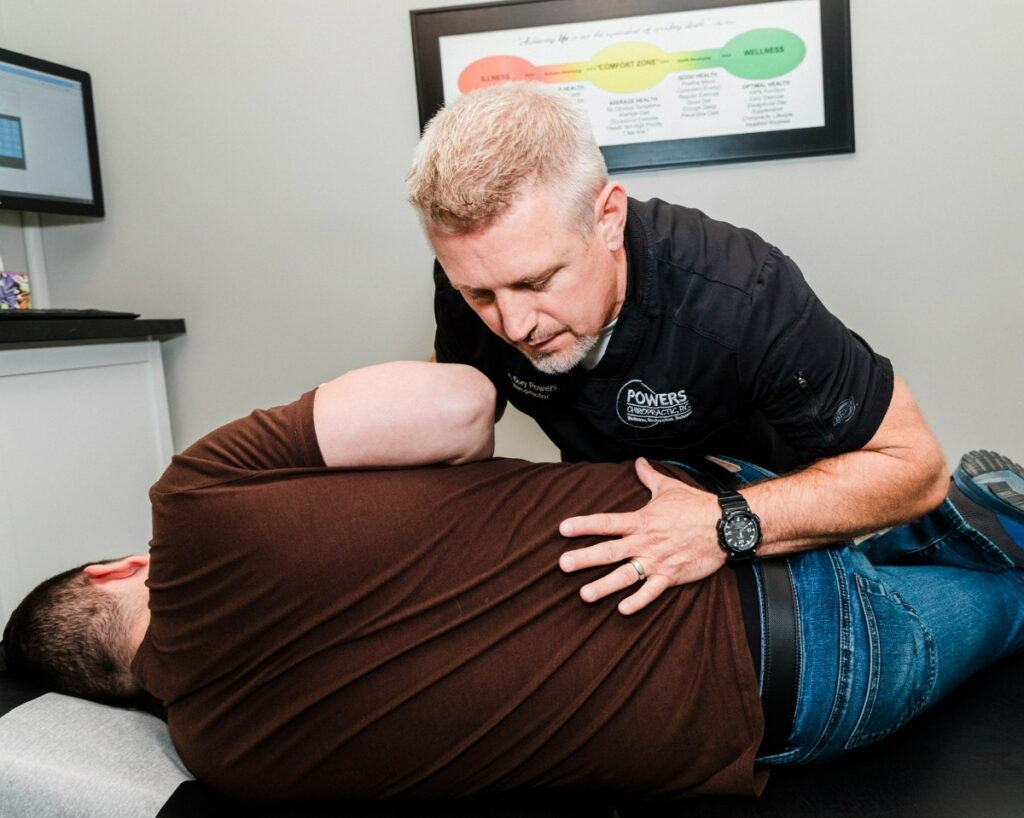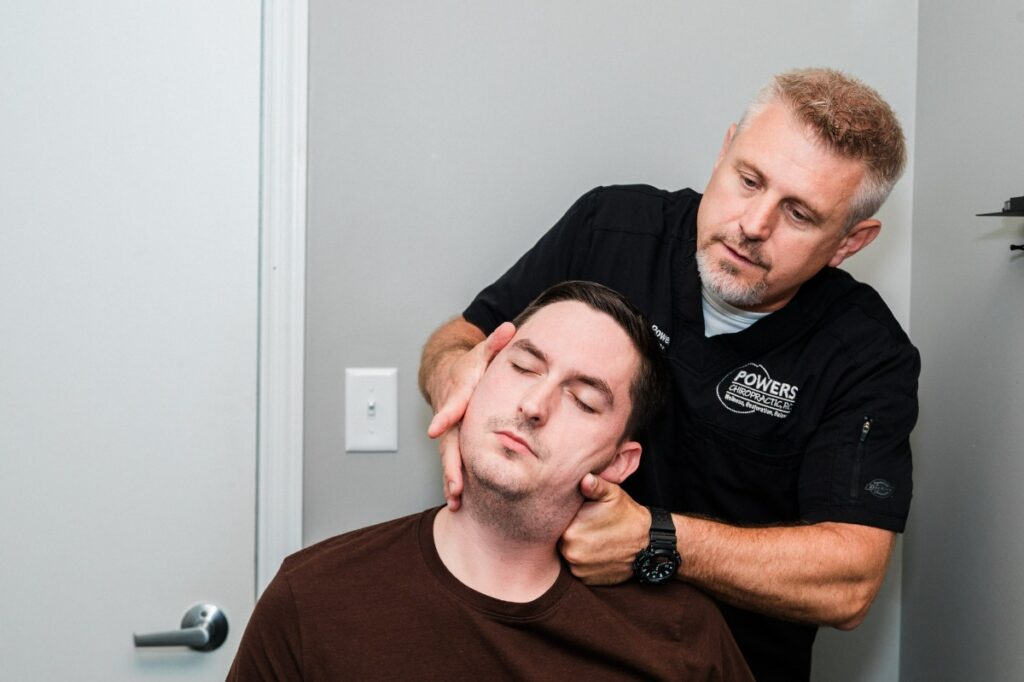

As a local chiropractor, I want to emphasize the importance of proper posture, especially if you spend long hours at a desk. Many people are unaware of how their alignment can affect their overall health and productivity until they begin to experience discomfort. By making a few simple adjustments to your workspace and daily habits, you can significantly enhance your comfort and efficiency.
Let’s dive into some practical steps that can transform your desk setup and promote better posture. Remember, small changes can lead to significant benefits for your spine and overall well-being. Have you considered what adjustments could make the biggest difference in your daily routine? Your body will thank you for it!
Assess Your Current Posture
As a local chiropractor, I want to help you understand the importance of assessing your posture, especially if you spend long hours at a desk.
To start, find a comfortable position in your chair and take a moment to observe your body alignment. It’s crucial that your shoulders are relaxed and your back is straight. Ideally, your ears should line up with your shoulders, and your knees should form a 90-degree angle, with your feet flat on the floor.
Now, let’s talk about your screen. Is it positioned at eye level? If you notice yourself leaning forward or slouching, that’s a clear indication that adjustments are needed. I recommend using a mirror or asking a colleague to provide feedback on your posture.
Pay close attention to any areas of discomfort or tension; these sensations are your body’s way of signaling that something is amiss.
Take note of specific issues, like neck strain or back soreness, as identifying these problems is the first step toward improvement. By recognizing these areas that need attention, you can lay the groundwork for making necessary adjustments that will enhance both your comfort and productivity in the workplace.
Choose the Right Chair
Selecting the appropriate chair is crucial for upholding proper posture while you work at your desk.
As a chiropractor, I emphasize the importance of ergonomic features that provide support for your back and neck. It’s vital to choose a chair that can be adjusted to suit your individual height and body shape.
A chair that fits you well can have a remarkable impact on your comfort levels and overall productivity.
Ergonomic Features to Consider
As a local chiropractor, I want to emphasize the importance of selecting the right chair for your desk job, as it plays a crucial role in your spinal health and overall well-being.
It’s vital to choose a chair that provides both comfort and support. Look for features such as adjustable height, armrests, and lumbar support, which can help maintain the natural curves of your spine, reducing strain and promoting better posture.
A chair that conforms to your body helps alleviate pressure on your back, making it easier for you to focus on your work. Opt for breathable fabric to keep you comfortable during long hours at your desk.
I also recommend choosing a chair with a swivel base; this feature allows for smooth movement and minimizes the need to twist your body, which can lead to discomfort or injury.
Pay attention to the seat depth as well—it’s important that it accommodates your legs comfortably and allows your feet to rest flat on the floor.
Investing in a quality ergonomic chair can significantly enhance your work experience and contribute positively to your health.
Proper Height Adjustment
As a local chiropractor dedicated to your well-being, I want to emphasize the importance of proper chair height adjustment for maintaining good posture and preventing discomfort during your workday.
The right chair height can significantly impact your overall health. Here’s how to achieve it:
- Feet Flat: Ensure that your feet are flat on the floor or on a footrest, forming a 90-degree angle at your knees. This position helps reduce strain on your lower back and promotes circulation.
- Thigh Clearance: Check that there’s a two-finger gap between the back of your knees and the edge of the chair. This small adjustment can help prevent pressure on the back of your legs, which is vital for comfort.
- Arm Position: Your elbows should be bent at a 90-degree angle, with your forearms parallel to the ground. This alignment supports your shoulders and helps prevent tension in your neck and upper back.
- Back Support: Adjust your chair to ensure that your lower back is well-supported. This support encourages a natural curve in your spine, which is crucial for reducing the risk of discomfort and promoting spinal health.
By following these steps, you can create a more ergonomic workspace that supports your body’s natural alignment, helping to improve your overall comfort and productivity.
Set Up Your Desk Ergonomically
As a local chiropractor, I want to emphasize the importance of setting up your desk ergonomically to support your body and overall well-being. An ergonomic workspace is key to preventing discomfort and promoting good posture, which is essential for maintaining spinal health.
Start by adjusting your chair height so that your feet rest flat on the ground or on a footrest. Your knees should be at or slightly below hip level to ensure proper alignment.
Next, ensure your desk is positioned so that your elbows are at a 90-degree angle while typing. This helps to reduce strain on your shoulders and wrists, areas that are often overlooked but can lead to long-term issues if not addressed.
Keep your keyboard close to your body, allowing your forearms to remain parallel to the floor. This positioning minimizes unnecessary tension in your arms and shoulders.
It’s also important to place your mouse right next to your keyboard to avoid overstretching, which can lead to discomfort over time.
Organizing your workspace is crucial. Make sure that frequently used items are within easy reach to minimize awkward twisting or reaching. This simple adjustment can make a significant difference in how your body feels throughout the day.
If you work with documents, consider using a document holder to keep materials at eye level. This will help maintain proper neck alignment and reduce strain on your cervical spine.
By creating a well-set desk environment, you can enhance your comfort and productivity while also supporting your overall health and wellness.
Position Your Computer Screen Correctly
As a chiropractor, I want to emphasize the importance of proper computer screen positioning to help you maintain good posture and overall spinal health.
It’s crucial to have the top of your screen at eye level, allowing your neck to remain in a neutral position. Ideally, your screen should be about an arm’s length away from you to minimize strain on your eyes and neck.
Additionally, be mindful of any glare from windows or overhead lights, as this can lead to discomfort and hinder your focus.
By adjusting your workspace to suit your body’s needs, you can significantly reduce the risk of discomfort and promote a healthier spine.
Screen Height Alignment
As your local chiropractor, I want to emphasize the significance of your computer screen’s height in relation to your overall comfort and health. Many people overlook this aspect, but proper screen alignment can greatly reduce strain on your body and enhance your productivity.
Here are four key guidelines to help you position your screen correctly:
- Eye Level: Ideally, your computer screen should be at eye level or slightly below. This positioning helps minimize neck strain, which can lead to discomfort over time.
- Distance: The top of your screen should be at or just below your line of sight. This allows for a natural gaze downward, promoting a more relaxed posture and reducing the risk of neck and back issues.
- Tilt: Make sure to adjust the tilt of your screen so it’s perpendicular to your line of sight. This not only helps to reduce glare but also improves visibility, making it easier for you to focus without straining your eyes.
- Height Adjustment: If your screen is too low or too high, consider using a monitor stand or stacking some books underneath it to achieve the ideal height. The goal is to avoid leaning forward or slouching, both of which can lead to spinal misalignment and discomfort.
By following these guidelines, you can help protect your spine and maintain overall well-being while working at your computer.
Optimal Distance Guidelines
As a local chiropractor, I often emphasize the importance of maintaining a healthy workspace for your body, especially when it comes to your computer screen. Ideally, your screen should be positioned about an arm’s length away from your eyes, which translates to roughly 20 to 30 inches. This optimal distance is crucial in reducing eye strain and supporting good posture.
I recommend ensuring that the top of your screen is at or slightly below eye level. This positioning allows you to look down slightly, which helps keep your neck in a neutral position. If you find yourself leaning forward or squinting at your screen, it may be a sign that adjustments are needed in either the distance or height of your setup.
Keep in mind that everyone has their unique comfort levels, so I encourage you to take the time to experiment with different placements until you find what feels best for you.
By taking these simple steps to properly position your screen, you can promote better posture and create a more comfortable work environment, which is essential for your overall well-being.
Anti-Glare Considerations
As a local chiropractor, I want to share some important considerations for setting up your workspace to promote not only comfort but also overall health.
Proper screen positioning is crucial in reducing glare and minimizing eye strain, which can impact your posture and well-being. Here are some tips to help you create a healthier workspace:
- Angle Your Screen: Tilting your monitor slightly backward (10-20 degrees) can significantly reduce reflections from overhead lights, making it easier on your eyes and helping you maintain a better posture.
- Position at Eye Level: Ensure the top of your screen is at or just below eye level. This way, you’ll be looking slightly down at the screen, which can help prevent neck strain that often accompanies poor screen height.
- Distance Matters: Keeping your screen about an arm’s length away is key. This distance allows you to see details clearly while reducing the risk of straining your eyes and neck.
- Adjust Lighting: Control the natural light in your workspace by using curtains or blinds. Additionally, consider desk lamps with adjustable brightness to avoid harsh lighting that can lead to discomfort.
By implementing these strategies, you can enhance your workspace, reduce eye strain, and support your overall health.
Use Proper Keyboard and Mouse Techniques
As a local chiropractor, I want to emphasize the importance of using proper keyboard and mouse techniques to enhance your comfort and overall well-being at your desk job. Many people overlook how crucial these practices are for maintaining spinal health and preventing discomfort.
Firstly, it’s vital to position your keyboard at elbow height. This alignment helps keep your wrists straight and relaxed, which reduces undue strain on your muscles and joints. Your fingers should rest gently on the home row keys, avoiding any excessive stretching. When you type, remember to use a light touch; hitting the keys too hard can lead to tension in your hands and wrists.
When it comes to using a mouse, keep it close to your keyboard to minimize unnecessary arm movements. Instead of relying solely on your wrist, engage your whole arm for mouse movements, while maintaining a neutral wrist position. This technique plays a significant role in preventing strain and discomfort—a common complaint I see in my practice.
If you’re using a laptop, I highly recommend investing in an external keyboard and mouse. This simple adjustment can greatly improve your ergonomic setup, leading to better posture and less strain on your body.
Lastly, take a moment to adjust the sensitivity settings of your mouse to match your preferences. This small change can facilitate smoother navigation and reduce the risk of repetitive strain injuries.
Take Regular Breaks
As a chiropractor, I often see the impact that prolonged sitting can have on your posture and overall well-being.
While it can be tempting to power through your tasks, taking regular breaks is crucial for maintaining both your physical health and mental clarity, especially during a desk job.
Breaks can relieve physical tension and refresh your mind, ultimately enhancing your productivity.
Here are four effective strategies for incorporating breaks into your routine:
- Set a Timer: I recommend setting a timer to remind you to take a 5-10 minute break every hour. This simple practice encourages you to step away from your screen and stretch your legs, which is vital for your spinal health.
- Change Your Scenery: Whenever possible, take a moment to walk to another room or step outside for some fresh air. Changing your environment can do wonders for your energy levels and mental focus.
- Hydrate: Use your breaks as an opportunity to drink water. Staying hydrated is essential for your body’s functions and helps to keep your mind sharp and alert.
- Breathe Deeply: Incorporate deep breathing exercises during your breaks. This practice can significantly reduce stress and promote relaxation, allowing you to return to your tasks with a clearer mind.
Incorporate Stretching and Strengthening Exercises
As a local chiropractor, I want to emphasize the importance of maintaining good posture, especially if you work at a desk for long hours. One of the best ways to achieve this is by incorporating stretching and strengthening exercises into your daily routine. These practices can significantly alleviate tension and support your overall spinal health.
Start with some simple neck stretches to relieve any built-up tension. Gently tilt your head from side to side and hold each position for a few seconds. This helps to relax the muscles that can become tight from prolonged sitting.
Next, include shoulder rolls in your routine to loosen tight muscles around your upper body.
For your back, I recommend trying seated twists and standing stretches. These movements can enhance your flexibility and help counteract the stiffness that often comes from sitting for extended periods.
Strengthening exercises are also crucial for maintaining good posture. Focus on your core with exercises like planks or seated leg lifts. These exercises support your spine and promote stability, which is essential for good posture.
Additionally, using resistance bands for upper body workouts can effectively target your shoulders and back.
I suggest setting aside a few minutes every hour to perform these exercises. Not only will this help improve your posture, but it will also boost your energy levels and productivity throughout the day.
Stay Hydrated
As a local chiropractor, I want to emphasize that maintaining good hydration is crucial for your overall posture and health, especially if you’re looking to improve your well-being through natural healing methods.
Even with a consistent routine of stretching and strengthening exercises, staying properly hydrated plays a vital role in how your muscles and joints function. When you drink enough water, you can reduce fatigue and discomfort, particularly during long hours spent sitting at a desk.
Here are four practical tips to help you stay hydrated throughout the day and support your chiropractic care journey:
- Keep a water bottle nearby: Select a water bottle that you enjoy using. By having it close at hand and refilling it regularly, you’ll be more likely to drink more water throughout the day.
- Set reminders: Utilize your smartphone or computer to set hourly reminders for a water break. These gentle nudges can help you develop a habitual intake of fluids.
- Infuse your water: To make drinking water more enjoyable, consider adding slices of fruits or herbs. This not only enhances the flavor but also makes hydration a more appealing part of your day.
- Track your intake: You might find it helpful to use an app or keep a journal to monitor your daily water consumption. This way, you can ensure you’re meeting your hydration goals.
By staying hydrated, you’ll support your body’s natural healing processes, enhance your chiropractic care, and contribute to better posture and overall health.
Mind Your Foot Positioning
As a local chiropractor, I want to emphasize the importance of proper foot positioning when you’re sitting at your desk. Many people overlook this aspect, but it plays a crucial role in maintaining good posture, which in turn affects your alignment and overall comfort throughout the day.
First and foremost, ensure that your feet are flat on the floor or resting on a footrest. Avoid crossing your legs, as this can create uneven pressure on your hips and spine, leading to discomfort and potential misalignments. Ideally, your knees should form a right angle, and your feet should be positioned about hip-width apart to enhance your stability.
If your chair is too high and your feet don’t reach the ground, I recommend using a footrest. This simple adjustment can significantly reduce strain on your lower back, allowing for a more comfortable work experience.
Also, pay attention to your footwear; wearing supportive shoes with adequate cushioning is essential for maintaining good foot health and posture.
Remember, it’s important to take regular breaks to stretch and change your position. This practice not only promotes blood circulation but also engages your muscles, helping to prevent stiffness and discomfort.
Your feet are foundational to your overall posture, so let’s make sure they’re getting the care and attention they need! If you have any questions or need personalized advice, feel free to reach out during your next visit. Your wellness journey is important to us!
Conclusion
As a local chiropractor, I want to share some valuable insights on how you can improve your posture and overall well-being while working at a desk. By making a few simple adjustments to your workspace and daily habits, you can significantly enhance your alignment and comfort.
First and foremost, it’s essential to assess your desk setup. Ensure that your chair and desk are ergonomically designed to support your body correctly. This means having your feet flat on the floor, your knees at a right angle, and your computer screen at eye level to prevent strain on your neck.
In addition to proper furniture, I encourage you to take regular breaks throughout your workday. Stand up, stretch, and hydrate—movement is crucial for maintaining healthy joints and muscles. Being mindful of your posture during these moments can lead to long-term benefits, not just in terms of comfort but also in increased productivity.
Remember, your posture plays a significant role in your overall health, and small changes can make a big difference. By taking charge of your workspace and prioritizing a healthier environment, you’re investing in yourself. Your body will thank you for it, and I’m here to support you on your journey to better health through natural healing.