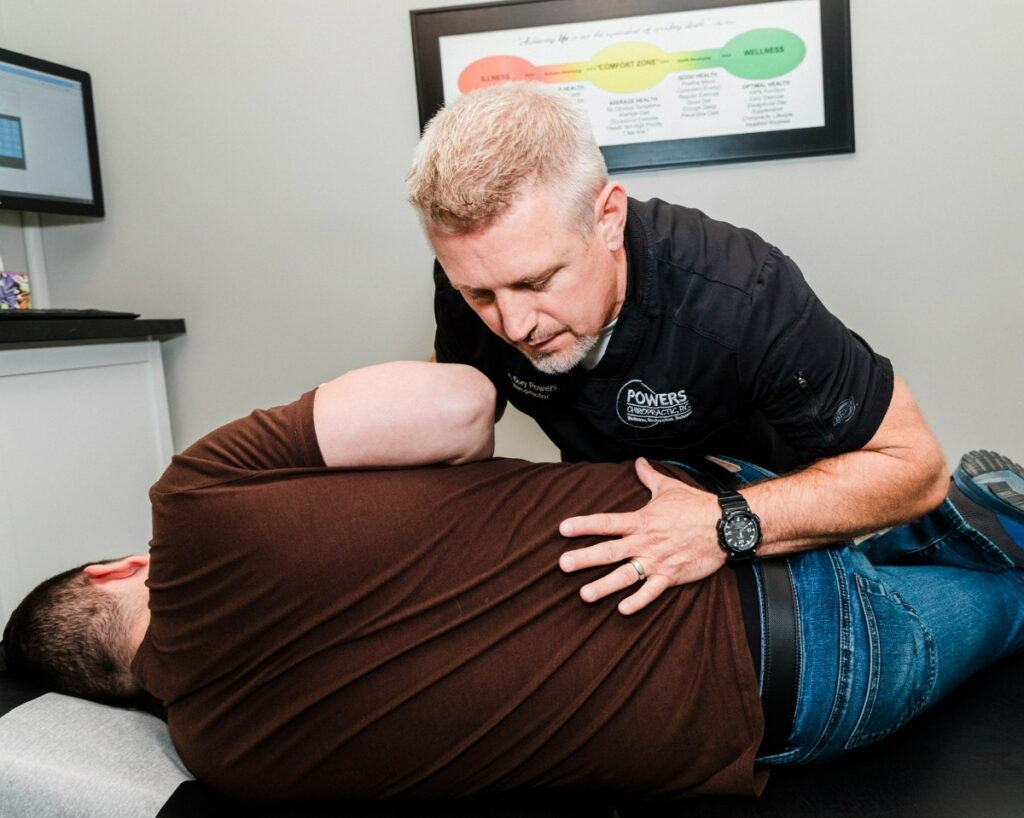

As a local chiropractor, I often see the impact that desk jobs can have on your posture and overall health. Many people aren’t aware of how easily they can develop poor habits, such as slouching or sitting in awkward positions for extended periods. The good news is that with a few simple adjustments, you can significantly enhance your comfort and well-being during the workday. Here are some practical tips to help you maintain better posture and prevent those nagging aches and pains. By making these changes, you’re taking a proactive step towards better spinal health and a more balanced lifestyle.
Adjust Your Chair Height
As a local chiropractor, I want to emphasize the importance of proper chair height for maintaining good posture and overall spinal health.
To start, when you sit down, ensure that your feet are flat on the floor. If you notice that your knees are elevated above your hips, it’s crucial to raise your chair until they align. This adjustment not only helps support your lower back but also encourages better circulation throughout your body.
It’s also vital to maintain a gap of at least two inches between the back of your knees and the edge of the seat. This small yet significant space prevents unnecessary pressure on your legs, promoting healthy blood flow and reducing the risk of discomfort or numbness.
Next, let’s discuss your arm position. Your elbows should ideally be positioned at a 90-degree angle, either resting comfortably on the armrests or your desk. This posture is key to alleviating strain on your shoulders and neck, which can often lead to tension and discomfort if overlooked.
By making these simple adjustments to your workspace, you can create an environment that not only fosters comfort but also enhances your productivity throughout the day.
Position Your Monitor Correctly
As a local chiropractor dedicated to promoting your overall well-being, I want to emphasize the importance of proper monitor positioning while you work. This simple adjustment can significantly reduce eye strain and neck discomfort, which are common issues I see in my practice.
To maintain good posture, start by ensuring your monitor is at eye level. This means you shouldn’t have to look up or down to see your screen. Ideally, your monitor should be about an arm’s length away, allowing you to view it comfortably without leaning forward, which can strain your spine.
It’s crucial that the top of your monitor screen is at or slightly below eye level. This positioning helps keep your neck in a neutral position, reducing the risk of discomfort over time. If you work with multiple monitors, make sure they’re aligned side by side at the same height to prevent unnecessary twisting of your neck, which can lead to misalignments.
Also, pay attention to the tilt of your screen. Adjust it to minimize glare from windows or overhead lights, as glare can cause you to squint, leading to further eye strain.
I recommend taking breaks every 20-30 minutes. During these breaks, focus on something in the distance to give your eyes a rest.
Utilize Proper Keyboard and Mouse Placement
As a local chiropractor, I want to emphasize the importance of proper keyboard and mouse placement for your overall health and well-being. Many people overlook how vital this aspect of their workspace is for maintaining good posture and preventing strain throughout the workday.
To start, your keyboard should be positioned at elbow height. This means your forearms should be parallel to the floor when you type. This setup is crucial because it helps you avoid hunching your shoulders or putting unnecessary strain on your wrists. If you find that your keyboard is too high, consider using a keyboard tray or adjusting the height of your chair.
Next, let’s talk about the mouse. It should be situated close to your keyboard so that your arm can stay relaxed at your side. Ideally, the mouse should be on the same surface as your keyboard, which will help reduce the risk of overreaching and the discomfort that comes with it.
While you work, pay attention to your wrist position. Keeping your wrists straight while typing and using the mouse is essential. If you find it difficult to maintain this position, a wrist rest can be a helpful tool.
By ensuring that your keyboard and mouse are properly placed, you can significantly minimize muscle strain and enhance your overall comfort at your desk.
Practice Good Posture Habits
As a local chiropractor, I want to emphasize the importance of maintaining good posture habits for your overall well-being. Many of you may be engrossed in your daily tasks, but remember that how you sit can significantly affect your long-term health.
Begin by ensuring that you sit all the way back in your chair, allowing for proper support of your spine. Your feet should be flat on the floor or resting on a footrest, and it’s best to avoid crossing your legs. Ideally, your knees should be at a 90-degree angle, which aligns perfectly with your hips.
It’s also crucial to keep your shoulders relaxed and positioned away from your ears. Your arms should rest comfortably at your sides, and when typing, your elbows should be bent at about 90 degrees. This alignment helps prevent strain on your muscles and joints.
Make sure your computer screen is at eye level to avoid unnecessary neck strain. If you wear glasses, keep them on while working to prevent leaning forward, which can lead to imbalances in your posture.
Finally, don’t forget to engage your core muscles as they play a vital role in supporting your spine.
Take Regular Breaks and Stretch
As a local chiropractor, I want to emphasize the importance of regular movement during your workday. Even if you maintain good posture, prolonged sitting can lead to stiffness and discomfort, which may contribute to various musculoskeletal issues over time.
It’s crucial to incorporate frequent breaks into your routine. I recommend setting a timer to remind yourself to stand up and move every hour. During these breaks, take the opportunity to stretch, as it can significantly reduce muscle tension and improve your overall well-being.
Simple stretches, such as reaching your arms overhead, rotating your shoulders, or bending down to touch your toes, can help increase blood flow and maintain flexibility in your muscles.
Additionally, consider taking a brief walk around your office or stepping outside for some fresh air. Even just a few minutes of movement can have a profound impact on how you feel physically and mentally.
Conclusion
As a local chiropractor, I want to share with you some essential tips for improving your posture while working at a desk. By making a few simple adjustments, you can significantly enhance your comfort and well-being during those long hours at your workstation.
First, make sure your chair is adjusted properly to support your spine. Your monitor should be at eye level to prevent straining your neck. Additionally, keep your keyboard and mouse at a height that allows your arms to rest comfortably while you work.
It’s also important to cultivate good posture habits, as this will help support your spine and overall health. Don’t forget to take regular breaks to stretch and move around—this can do wonders for your body and help prevent discomfort.
By implementing these changes, you’re not just taking steps to avoid pain; you’re also boosting your productivity and creating a healthier work environment. So, take a moment to assess your workspace today and enjoy the benefits of a more aligned and comfortable posture!